
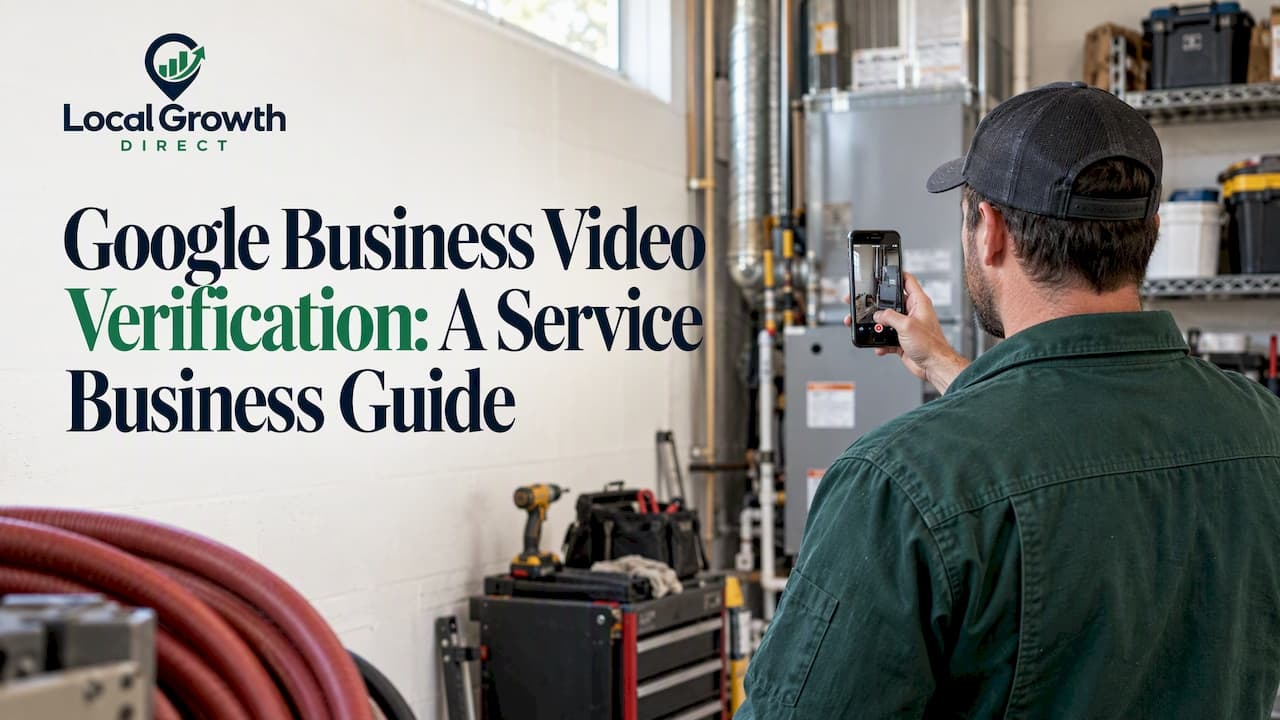
Google Business Profile video verification is a single, continuous recording you make live in the app on your phone. It shows where your business is based, that it really operates, and that you manage it. Google reviews it, usually within a few business days, and then either verifies your profile or tells you what to fix. For a plumber, HVAC contractor or electrician with no storefront, the work is in planning what the camera sees before you press record.
Below: what Google requires, a shot-by-shot plan for service-area businesses, the reasons videos fail, and what to do next.
TL;DR
- You can't choose video verification. Google decides which methods you get from your business type, region and public data, and contacting support to change it tends to cost time.
- The video must be at least 30 seconds, one unedited take, recorded live from the mobile flow. Pre-recorded files are not accepted.
- Service-area businesses should show a branded vehicle, tools, equipment and invoices that match the profile name, plus local street context. They should not show a home address that is hidden on the profile.
- Review takes up to 5 business days. A rejection comes with reasons, so you can re-record.
- Fix your profile settings (name, address visibility, service areas) before you record, not after.
Table of Contents
- Why Google asks for a video
- What Google requires, in plain terms
- The three things your video must prove
- A shot list for HVAC, plumbing and other service-area companies
- Before you record: fix your profile first
- Why videos get rejected
- How long does it take?
- Our perspective: treat verification as evidence-gathering
- If you're stuck or short on time
- After you're verified: what to do next
- FAQ
- Sources
Why Google asks for a video
Postcards and phone codes worked when most listings were storefronts. Home service companies are different: the "office" is often a house, a warehouse unit or a truck. Google's own community guidance explains that video lets Google confirm a real business through operational assets such as branded vehicles, tools and invoices, which is harder to fake than a mailing address.
So if Google offers you only the video option, it is not a punishment, and it does not mean your profile is under suspicion. It is the method the system considers most secure for your business entity.
What Google requires, in plain terms
The official video verification help page sets the ground rules:
| Requirement | What it means for you |
|---|---|
| Length | At least 30 seconds. Google's community guide says no longer than 5 minutes. |
| One continuous take | No cuts, no splicing, no edits. |
| Recorded live | Use the mobile flow in the account that manages the profile. Uploading a file from your camera roll is not accepted. |
| Unique | Don't reuse a video from another listing or a marketing reel. |
| Review time | Up to 5 business days. |
Google says on its help page that you can't request a particular method. To start, open your profile, tap Get verified, and follow the video option if it appears. The current steps live on Google's verification page, and they change, so check it on the day you record.
The three things your video must prove
For service-area businesses, Google's guide frames it as evidence of three things: where the business is based, that it genuinely exists and operates, and that you manage or represent it. Plan one beat of the video for each.

1. Where you're based
Start outside, in the area you are claiming. If you have a commercial location with a sign, show the sign and the entrance, then walk in. If you run from home and your address is hidden on the profile, do not film your house number. Google's guidance says the video must not reveal a home address you chose not to display. Instead, show your vehicle in the area and nearby street signs or landmarks that place you in your service territory.

2. That you really operate
This is where a service company has the advantage. Show:
- Your work van or truck with the business name or logo visible.
- Tools and equipment you use on jobs: gauges, manifolds, pipe cutters, ladders, whatever your trade carries.
- Invoices, work orders or quotes with a business name that matches your profile.
If your vehicle isn't branded, Google's community guidance suggests showing other clear proof that it belongs to your business, such as paperwork or branded gear in or on it.
3. That you manage the business
Show something only a manager or owner would have access to: the profile on your phone, a business license or registration, or a utility or tax document in the business name. Keep personal data you don't want filmed out of frame.
A shot list for HVAC, plumbing and other service-area companies
Use this as a rehearsal script. Walk through it once without recording, then record in one take.
- Open on the street at your base or in your service area. Pan slowly to a street sign or landmark.
- Show the vehicle with the business name facing the camera. Pan to the plate side only if you're comfortable.
- Open the van or the shop. Show tools, parts and equipment in their working setting.
- Show an invoice or work order with the same business name as the profile. Hold it steady for a few seconds so it can be read.
- Show proof of control: your phone with the profile open, or a license document.
- Finish with a wide shot that ties the vehicle and equipment to the place you started.
A critical nuance for service-area businesses is the difference between proving you exist and proving you work in a geography. Filming an empty lot or a blank wall proves neither. Street context plus working equipment proves both.
Before you record: fix your profile first
Most rejected videos were doomed before the camera started. Check these:
- Name: it should match your real-world business name, signage and invoices. Stuffing keywords into the name creates a mismatch the video can't fix.
- Address display: if customers don't visit you, hide the address and define service areas. Google's service area management page explains the difference between service-area and hybrid businesses.
- Service areas: make them realistic for where you can actually work.
- Your location when you record: Google's systems are sensitive to location mismatches. If the location data from your phone doesn't align with your profile's address or service area, the video can be rejected. Record at your business location or inside your designated service area.
- Light and sound: film in daylight, hold the phone steady, and keep the camera moving slowly so text is legible.
Our video verification checklist for service businesses goes deeper on preparation, and our guide to setting up a Google Business Profile covers the settings to get right before you ever hit verify.
Why videos get rejected
Google's help page says a failed submission comes with specific reasons, such as missing proof of authorization or no visible business signage, and you can record a corrected video. The patterns we see most often in service companies:
| Reason | How to avoid it |
|---|---|
| Edited or stitched footage | One take, no cuts, recorded through the in-app flow. |
| Location differs from the profile | Record inside your service area or at your registered location, and check the profile's settings first. |
| No proof the vehicle is yours | Show branding, or paperwork that ties it to the business. |
| Home address exposed when hidden | Frame out house numbers and mailboxes. |
| Name mismatch | Make signage, invoices and profile name agree before filming. |
| Blurry or too fast | Slow down, hold documents still. |
The rejection reason is your best clue. Read it, change one thing, and re-record rather than guessing. Repeated sloppy attempts and workarounds waste more time than one careful take. Google's own guidance cautions against trying to change the assigned method.
How long does it take?
Google states a review takes up to 5 business days. Some forum posts report longer waits, but treat those as anecdotes, not promises. While you wait, avoid editing the business name, category or address, because changes during review can create new mismatches. Once approved, photos and videos you add show up on Google, and Google notes they appear only after verification.
Our perspective: treat verification as evidence-gathering
We work only with local service businesses, and the pattern is consistent. Owners who struggle with video verification are rarely bad at filming. They have a profile that doesn't match reality: a keyword-heavy name, a home address showing, service areas that cover half the state, or a van with no lettering. The video exposes the gap.
So we treat verification as the first piece of an evidence file, the same file you would want if a profile were ever suspended. Name, signage, invoices, vehicle and license should all say the same thing. When they do, the video takes ten minutes and passes. When they don't, no clever camera work saves it.
Three opinions we hold firmly:
- Don't hunt for loopholes. Google says the method isn't your choice. Spend the energy on a clean, honest video.
- Don't dress a home business up as a storefront. Google's guidance says you don't need to. Show a working service company.
- Verification is the start, not the finish. A verified profile with thin categories, no reviews and weak service-area coverage won't win calls in Google Maps. Verification only gets you in the game.
If you're opening locations in several markets, the same rules apply to each one, and the volume makes preparation matter more. See our notes on adding and verifying 10+ locations.
— John
If you're stuck or short on time
If you'd rather not manage verification, profile setup and ongoing optimization yourself, that is what our team does. Local Growth Direct handles Google Business Profile management, review and reputation work, and Google Maps visibility tracking for HVAC, home service and other local businesses, without asking you to learn new tools. You can see what hands-on management covers on our GBP management page. We don't publish pricing, so the way to find out what fits is to get in touch.
After you're verified: what to do next
Verification unlocks the profile, but visibility comes from what you build on it. A sensible order:
- Audit what you have. Our home services profile audit shows how to prioritize fixes by impact.
- Complete the basics: primary category, services, hours, service areas, photos.
- Build a review habit. Ask every satisfied customer, and answer every review.
- Follow a plan. Our 90-day profile plan lays out the sequence.
- Know your trade's priorities. We have specifics for HVAC, plumbers and electricians.
- Keep your evidence file current. If a profile is ever suspended, having proof ready speeds up the appeal.
If you're weighing doing all of this in-house, our comparison of DIY versus hiring for Google Business Profile services lays out the trade-offs.
FAQ
Can I choose video verification instead of a postcard?
No. Google automatically determines which methods are offered, based on factors like business type, region and public data, and you can't change them. If video is the option you see, follow it.
Can I upload a video I already recorded?
No. Google requires a single, continuous, unedited recording captured live through the mobile verification flow. Uploading a pre-recorded or edited file is the most common reason for failure.
How long does Google take to review my video?
Google says review takes up to 5 business days. If the video is rejected, you will get specific reasons and can record a new one. Avoid changing your profile details while you wait.
I work from home and hide my address. What do I film?
Don't film your home address. Show your branded vehicle, tools, equipment and invoices that match your profile name, along with street signs or landmarks in your service area, and proof that you manage the business. Google's guidance says you don't have to make a home-based business look like a storefront.
Does it cost anything to verify my business on Google?
Google's verification help pages describe no fee for verifying a Business Profile. Be wary of anyone who claims they can bypass the process or guarantee approval for a price.
Sources
- Verify your business with a video recording, Google Business Profile Help
- Verify your business on Google, Google Business Profile Help
- Video Verification for Service-Area Businesses: What to Show, What to Avoid, Google Business Profile Community
- How to Verify Your Google Business Profile, Google Business Profile Community
- Video verification failed: Location is different from Business Profile service area, Google Business Profile Community
- Manage your service areas for service-area and hybrid businesses, Google Business Profile Help
- Manage your Business Profile photos and videos, Google Business Profile Help